Drawing-to-3D doll, captured in AR
Their drawing stands up.
Photograph a drawing your child made on paper. PaperFriend cuts it out on your phone and turns it into a 3D paper doll with their own lines and colours. Stand it in your room with AR and take photos and videos together.
- Free to make
- 3 dolls
- Uploads, ads or accounts
- 0
- For unlimited friends
- 1 purchase
- Drawing on paper
- 3D paper doll
- Standing in your room
What is PaperFriend?
PaperFriend is an Android app that turns a photo of a child's drawing on paper into a 3D paper doll and stands it in your room with augmented reality. It finds the paper, flattens it, traces the outline and gives the shape thickness on the device itself; no AI redraws it, so the doll keeps your child's own lines and colours. Parents and children then take photos and silent videos of the doll in their own room.
How it works
From the fridge door to your living room floor
 1
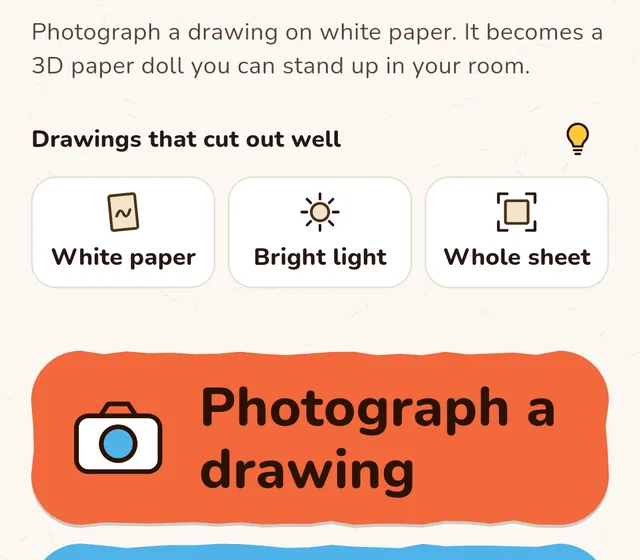
Photograph a drawing
One photo of the paper is the whole setup. White paper, dark lines and good light cut out best.
 2
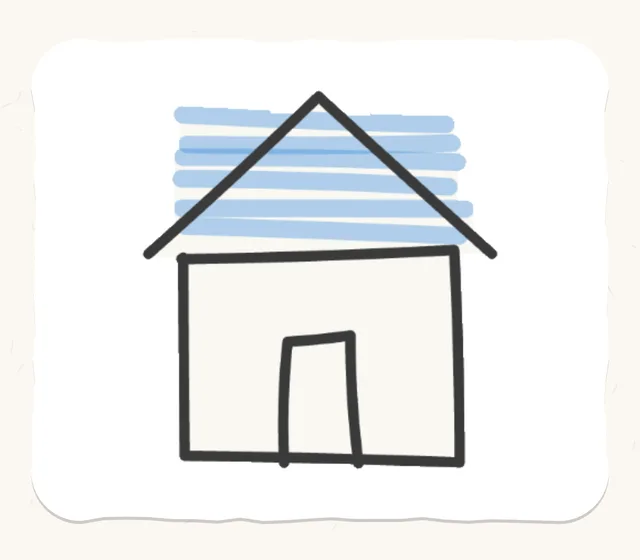
It becomes a paper doll
PaperFriend traces the outline and gives it thickness on your phone. The lines and colours stay exactly as your child drew them.
 3
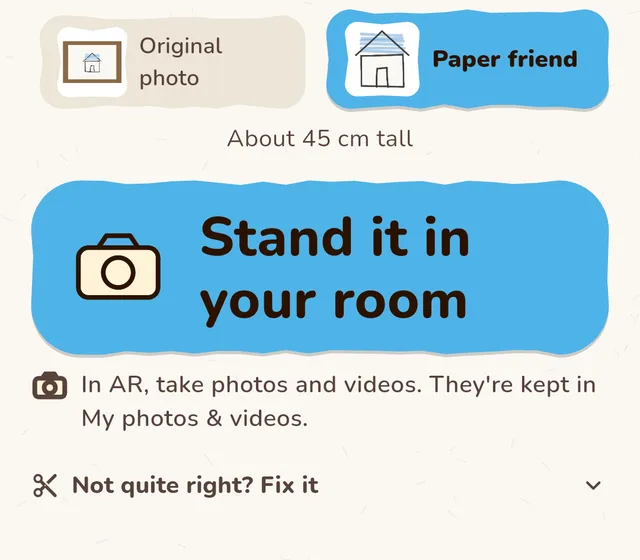
Stand it up and capture it
Place the doll on the floor or a table in AR, move, turn and resize it, then take photos and short silent videos.
Features
Made from their drawing, not a template
Everything happens on your phone, so the drawing stays yours and the doll looks like the one your child made.
Their lines, untouched
No AI redraw. The drawing itself becomes the doll's texture, wobbly lines and all.
Learn more →Stands up in 3D
The outline gets real thickness, so the doll turns around and stands like a paper cut-out.
AR photos and videos
Stand the doll in your room at real size, then tap for a photo or record a short video. No sound is recorded.
My dolls
Every paper friend is kept in the app, ready to stand up again whenever your child asks.
Drawings never leave the device
Cutting out and 3D conversion run on your phone. No uploads, no account, no ads, no tracking.
Works offline
No internet needed to make a doll, so it works at grandma's, in the car or on a plane.
Pricing
Free to start, one purchase for more
Free
$0
- Up to 3 paper dolls
- AR photos and videos
- Works offline, no account
Unlimited friends
One-timepurchase
- Unlimited paper dolls
- Everything in Free
- No subscription
FAQ
Does PaperFriend upload my child's drawings?
No. Cutting out and 3D conversion run on your phone, and the dolls are stored only inside the app. PaperFriend has no account, no ads, no tracking and no analytics.
Does AI redraw the picture?
No. PaperFriend traces the outline of the drawing and gives it thickness. The drawing itself becomes the doll's texture, so the lines and colours stay exactly as your child drew them.
Which drawings work best?
White paper, dark unbroken lines and good light. Keep the whole sheet in the photo, roughly straight on. If there are several drawings, the largest one is used.
Does AR work on every phone?
Standing a doll in your room uses ARCore, which not every Android device supports. Making, keeping and viewing paper dolls works on any device.
Is it free?
You can make up to 3 paper dolls for free. A single one-time purchase, Unlimited friends, removes the limit. There is no subscription.
Does it need the internet or the microphone?
No. PaperFriend works offline, and videos are recorded without sound, so the app never uses the microphone.

Give their drawing a place in the room
Free on Google Play. Make 3 paper dolls, then unlock unlimited friends with one purchase.